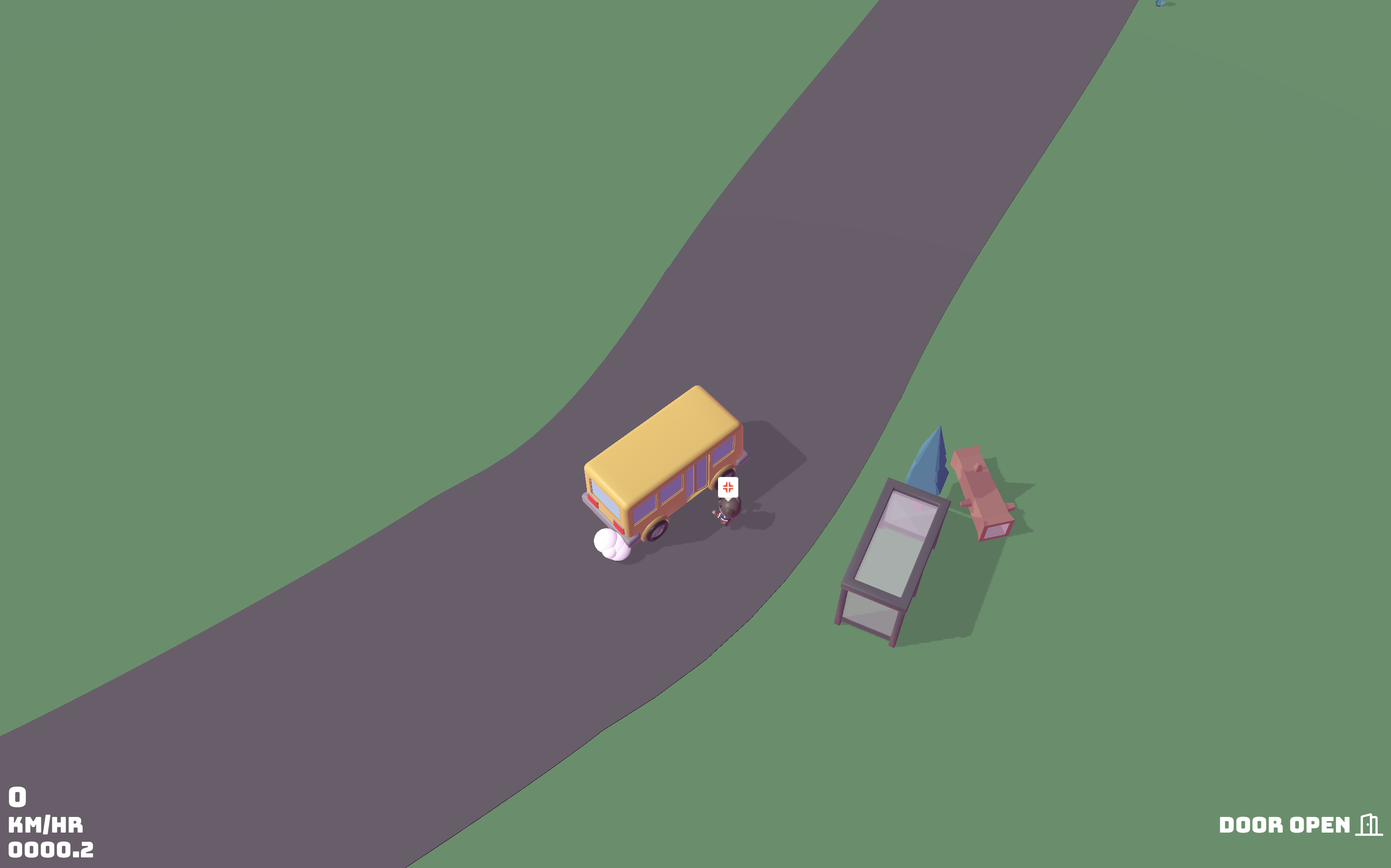
Working on a new game about driving a bus. Should be fun! I think the kids will love it.
Remember when Twitter became terrible? I made this page then, but I never really added much to it. Maybe I will one day!
Working on a new game about driving a bus. Should be fun! I think the kids will love it.
CSS selectors are read right to left. This is especially important when dealing with child selectors.
.post p {
  color: #333333;
}
The above CSS will cause browsers to check every <p> and traverse through its parents looking for something with the class post.
If it looks like a list it’ll be a list in the accessibility tree—if not it
won’t. If you want to remove the list style from a list and still have screen
readers treat it as a list add an explicit role="list".
Sometimes a list looks like a list and it is a list. Consider the following unordered list.
<ul>
  <li>Book</li>
  <li>Camera</li>
  <li>House</li>
</ul>We’ve got a list of three items, where the order isn’t important. Each item in the list starts on a new line preceded by a bullet point. It uses the <ul> tag and the children use <li> tags. But what if we removed the bullets? Should it still be a list if it doesn’t look like a list? Well, according to browsers, probably not!
If we add some CSS to remove the list style, then the accessibility tree will not treat it as a list.
ul {
  list-style: none;
}
If we still want that list to be treated as a list by screen readers, then we can give it the list role explicitly.
<ul role="list">
  <li>Book</li>
  <li>Camera</li>
  <li>House</li>
</ul>